Pet memorial gifts
How to create a pet memorial portrait from a photo
Learn how to choose a photo for a custom pet memorial portrait, prepare the details, review the artwork, and use the final files for printing and sharing.
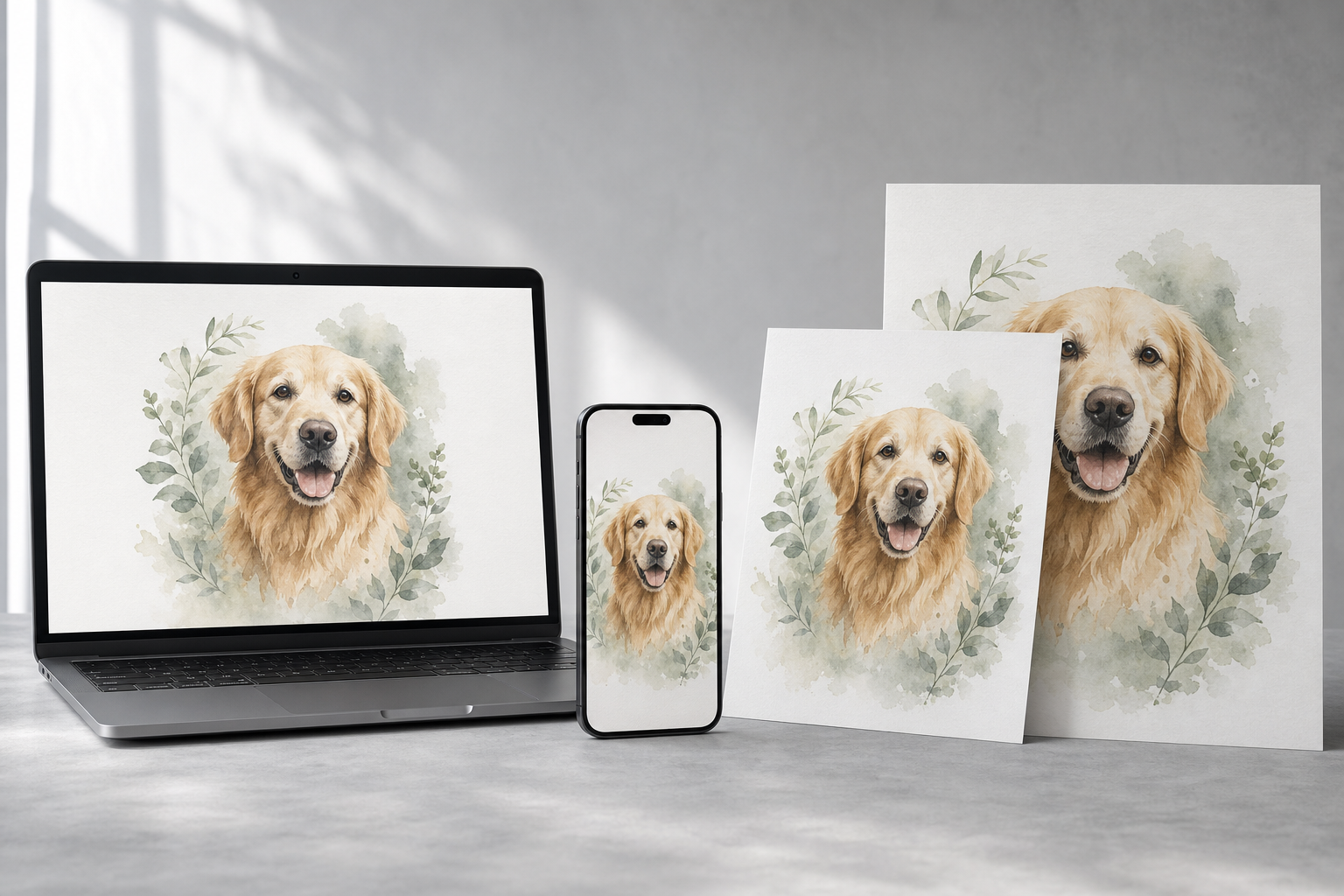
A strong pet memorial portrait starts with one clear photo where the pet's face, eyes, coloring, and distinctive markings are easy to see. Keep the original file, share the pet's name and any dates or short tribute, review a private preview, and save final files in several print ratios so the portrait can work in frames, on a phone, and in a square social post.
Key takeaways before you buy
- Choose the clearest familiar expression, not simply the most formal photograph.
- Keep names, dates, and tribute wording short enough to remain readable at small sizes.
- Use separate print ratios instead of cropping one file for every frame and screen.
Choose a photo that still feels like them
The most useful source photo shows the pet's face clearly, with the eyes in focus and enough light to distinguish coat color and markings. A phone photo can work well when it preserves the expression the family remembers. Avoid screenshots, heavily filtered images, tiny social-media downloads, and photos where another object covers the face.
Do not discard a meaningful photo only because the background is messy. A custom portrait can simplify the setting while preserving the pet's expression. If two photos are available, choose one as the main reference and use the second only to clarify coloring, ear shape, or another feature that is hard to see.
Plan the words before the artwork
A portrait does not need a long poem to feel personal. The pet's name may be enough. Dates, years, a nickname, or a short line such as Forever loved can be added when they belong naturally with the image. Check spelling and dates against a saved record before submitting the order.
Think about where the portrait will be used. Text that looks balanced in a large frame can become difficult to read on a phone wallpaper. Keeping the wording short makes it easier to prepare several useful versions without forcing the portrait into one layout.
Review the portrait for recognition, not perfection
Use the private preview to check the details that make the pet recognizable: eye color, coat pattern, ear position, muzzle shape, and any distinctive spot or marking. Also confirm the name, dates, and text placement. A revision request is most helpful when it names one clear change rather than asking for the whole portrait to feel different.
A memorial portrait is an interpretation of a photograph, not a replacement for the original image. The goal is a composition that feels familiar and prints cleanly. Save the approved preview message with the final files so the chosen version remains easy to identify later.
Use the right file for each keepsake
A 2:3 file fits common frames such as 8 by 12 and 12 by 18 inches. A 3:4 file works for 9 by 12 and 12 by 16 inches, while a 4:5 file fits 8 by 10 and 16 by 20 inches. A square file works for social sharing and square prints, and a phone wallpaper needs a tall layout with room for screen controls.
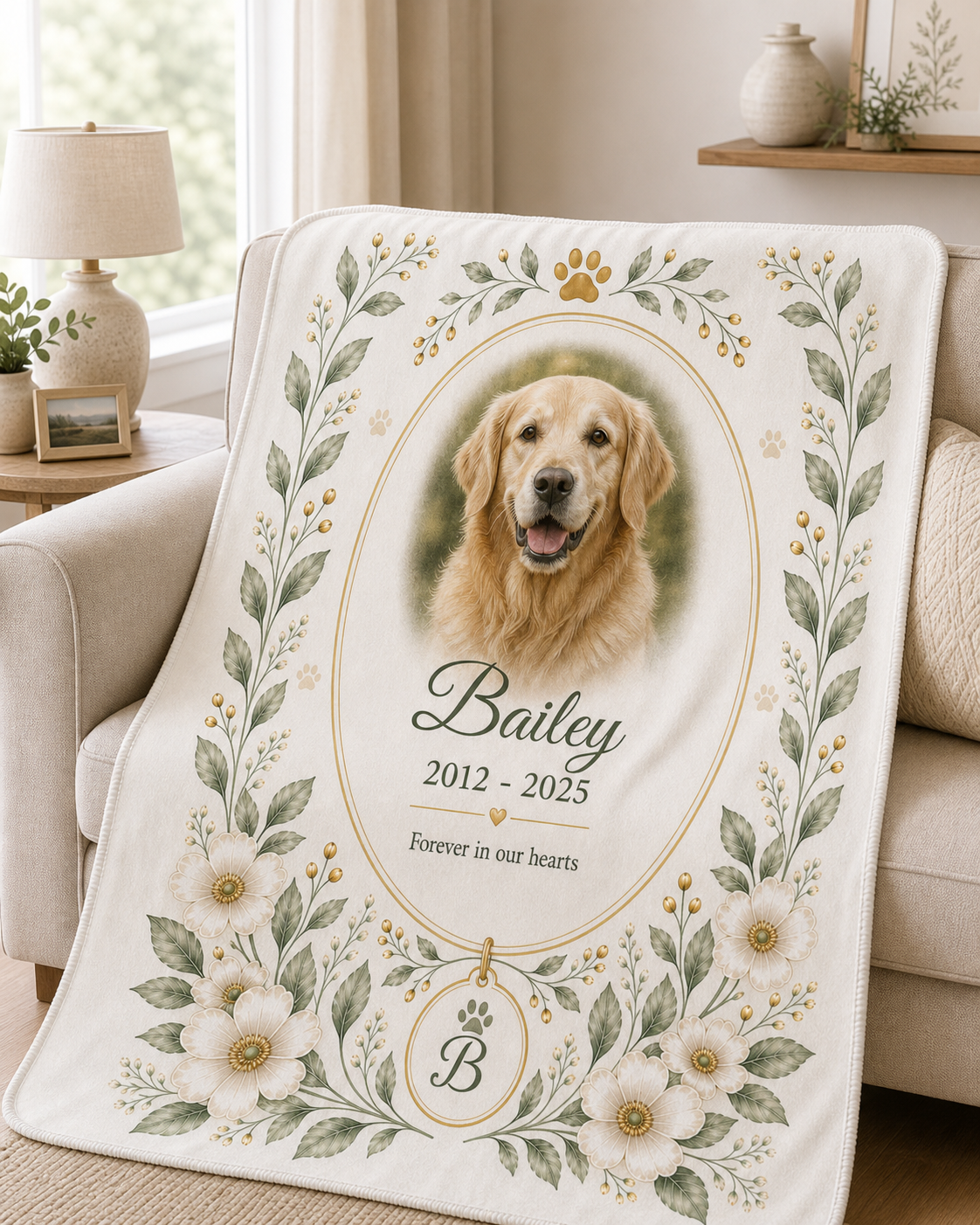
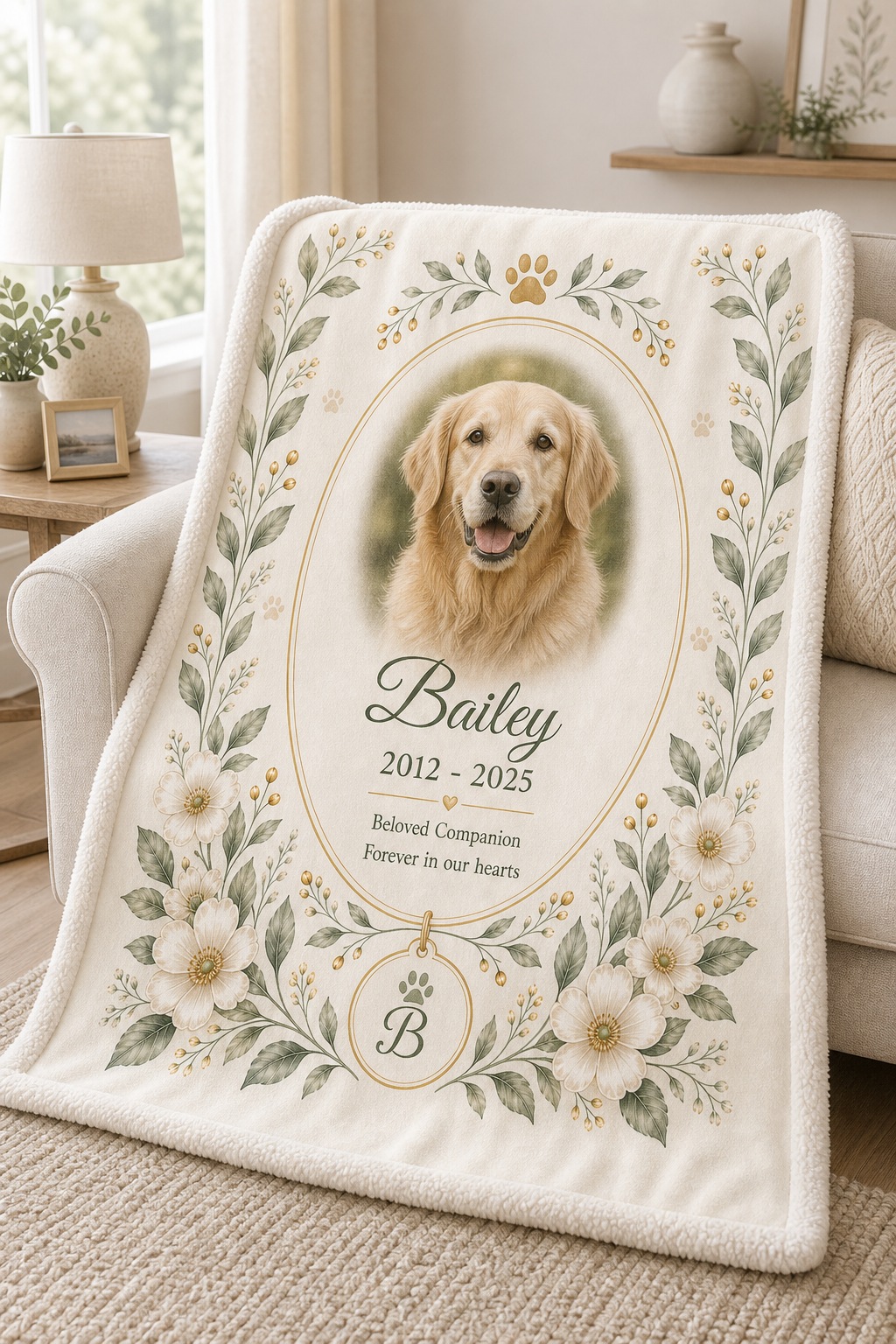
Download the final files instead of leaving them only in email. Save copies in two locations, keep the original photo with them, and send the print-ready file rather than a screenshot when ordering a physical print. The same approved portrait can later guide a framed poster or blanket without starting the memory selection process again.
Recommended next step
Products that fit this search
Compare the relevant collection first, then inspect the product photos, included tools, price, shipping, and return details before choosing.
People also ask
How to create a pet memorial portrait from a photo FAQ
What kind of photo is best for a pet memorial portrait?
Use a clear, well-lit photo with the pet's eyes, face, coloring, and distinctive markings visible. A familiar expression matters more than a formal pose.
Can a phone photo be used for a custom pet portrait?
Yes. A full-resolution phone photo can work well when it is sharp and well lit. Send the original file rather than a screenshot or compressed social-media copy.
Which digital portrait file should I print?
Choose the file ratio that matches the frame or print size. Use 2:3, 3:4, or 4:5 for common rectangular prints and the square file for square prints or sharing.
Keep researching